
It’s 5:14 on a Tuesday. I’m standing in my kitchen with the fridge door open, looking at half an onion, some wilting cilantro, and a carton of eggs that expires Thursday. My brain has nothing. I worked all day, I made roughly four hundred small decisions, and the part of me that’s supposed to answer “what’s for dinner” has clocked out and gone home.
FREE 5-MIN ASSESSMENT
How emotionally fit are you? Most men have never measured.
I have tried the meal-planning apps. All of them, basically. You know the type — you download it on a hopeful Sunday, spend forty minutes dragging recipes into a calendar, and by Wednesday you’ve stopped opening it. The problem was never that those apps were bad. The problem was that they asked me to do a whole new chore, in a whole new place, that had nothing to do with where I actually buy food.
Here’s what changed in 2026: the helper moved. It’s not a separate app anymore. It’s sitting inside the grocery apps you already use.
What’s actually new
Two big things happened this year, and they’re worth knowing about even if you never download anything extra.
On January 11, Kroger announced it’s building a Gemini-powered “Meal assistant” with Google Cloud and rolling it out nationally. The pitch is simple and, honestly, kind of the dream. The example Kroger gave was almost word for word this: you type “I want to prepare vegan tomato soup,” and it hands back a guided recipe with a full ingredient list you can drop into your cart with a single click. Not a link to a recipe blog with someone’s life story above it. The actual ingredients — and Kroger says the recommendations are grounded in what’s really on the shelf, at the price and availability at your store. Ready to buy.
Then on May 6, on its quarterly earnings call, Instacart said its “Cart Assistant” — a conversational tool that builds meal plans and shopping baskets from a plain-English request — was available to about 25 percent of US customers as of the end of the quarter. A quarter of the people who already use Instacart can now just talk to it.
So this isn’t a someday thing. For a lot of people reading this, it’s already sitting in an app on your phone.
How to actually use it
The trick is to give it one constrained sentence. Not a vague wish — a sentence with edges.
Open the Kroger app (or Instacart, if Cart Assistant has reached you yet — look for the assistant or chat icon) and instead of “give me dinner ideas,” try something like:
“Cheap, healthy dinners for a family of four for this week, nothing with shellfish, two of them vegetarian.”
The edges are doing the work there. A budget. A number of people. A health lean. A hard no (the shellfish). And a constraint that forces variety (the two vegetarian nights). The more boundaries you give it, the less generic mush you get back.
What comes back is the part that genuinely surprised me. Because the assistant lives inside the store, it’s pulling real items that are actually in stock, at the prices in your store, that week. Not a fantasy ingredient list where half of it turns out to be sold out or costs triple what you guessed. You see the cart. You see the total. You can swap the salmon for the cheaper frozen cod before you’ve committed to anything.
That’s the thing that makes it stick. It closes the gap between “here’s a nice idea” and “here’s a cart I can check out.” That gap is where I always quit.
The free, zero-dollar version
Don’t have Kroger? Cart Assistant hasn’t reached your account yet? You can do a rougher version of this for free, today, with the ChatGPT free tier. You won’t get live prices or a shoppable cart — that’s the catch — but you’ll get the planning out of your head.
Type something constrained, same idea as above:
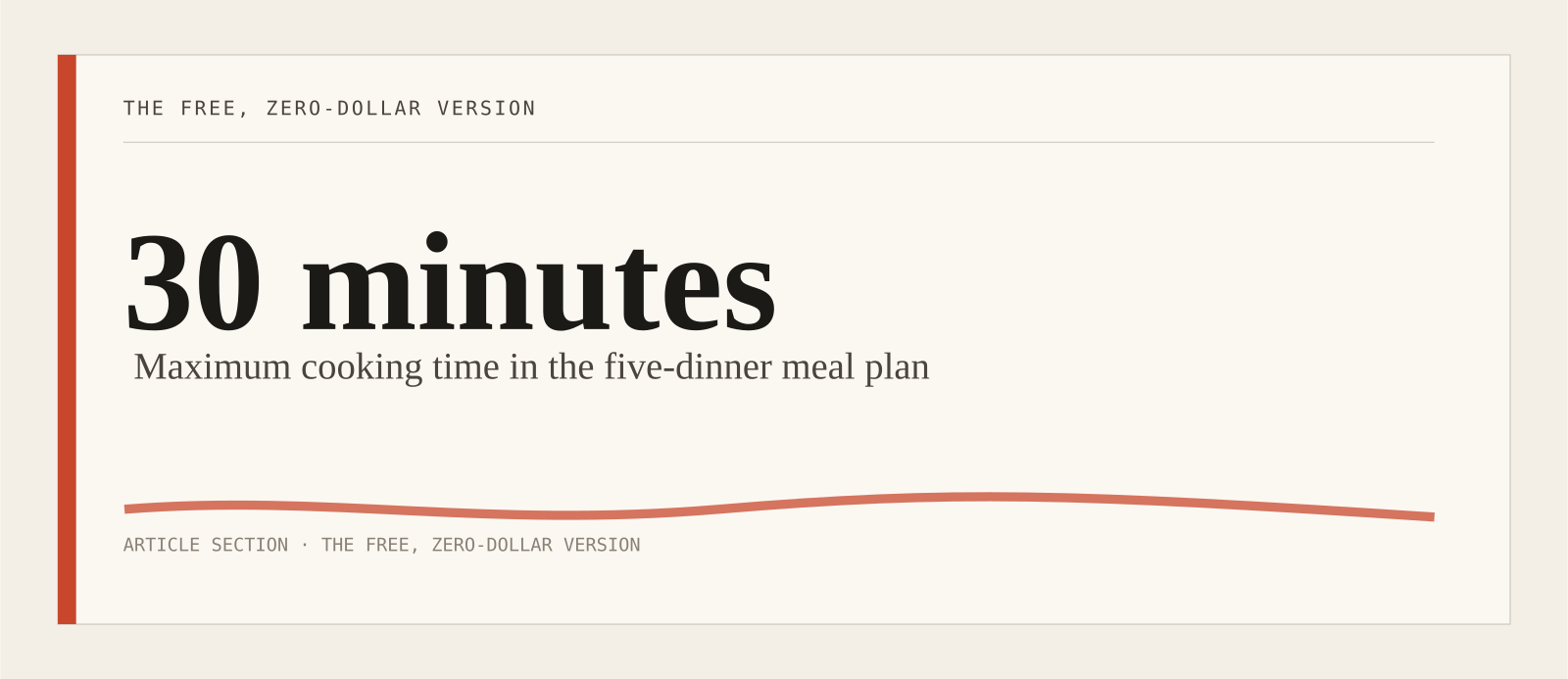
“Plan 5 dinners for two adults, under $60 total for groceries, high protein, nothing that takes more than 30 minutes. Give me one combined shopping list grouped by grocery aisle.”
That aisle-grouped list at the end is the small move that saves you. You walk the store once instead of doubling back.
I’ll be honest about where this falls apart: by week two, free ChatGPT starts repeating itself. You’ll see the same chicken-and-rice skeleton wearing slightly different seasonings. The fix is to push back — “none of last week’s meals, surprise me, lean Mediterranean” — but if you want it to genuinely know your store and your prices, the in-app grocery assistants are doing something the standalone chatbot can’t.
A reality check on the photo-calorie hype
Separate from meal planning, you’ve probably seen the ads: point your phone at your plate, get a calorie count. Apps like Cal AI snap one photo, use it to guess how much food is there, and hand back an estimate of calories, protein, carbs, and fat. On newer phones with a depth sensor, it leans on that to judge portion size; either way, it’s still a guess from a picture.
It’s genuinely cool. It is also not a food scale, and you should know exactly where the line is.
A randomized trial published in JMIR mHealth and uHealth in August 2025 tested automatic image recognition for meal reporting in young adults eating in real, messy, real-world conditions. The AI correctly identified the dish 86 percent of the time — that’s good. But once you counted the whole report — the right cooking method, the right ingredients, not just “that’s a stir-fry” — only 68 percent of dishes came out accurate. Identifying the food is the easy part. Pinning down what’s actually in it is where the system slips.
Cal AI specifically tells a similar story. Reviewers who’ve tested it against hand-logging find it lands within about 10 to 15 percent on a clean, simple plate — grilled chicken, a bowl of oatmeal, a banana. On mixed dishes, restaurant plates, anything saucy or layered, the miss can stretch to 25 to 40 percent, and it usually undercounts. The AI can’t see the two tablespoons of olive oil already cooked into your stir-fry. That alone can be 200-plus calories it never counts. And the “90 percent accurate” number the maker likes to cite has been called out publicly for shipping with no study behind it.
So here’s the honest use case: photo tracking is fine for a ballpark, especially for the chaotic restaurant meal where you’d otherwise log nothing at all. A rough number beats no number, and the speed means you might actually keep doing it. But if you have a medical reason to count precisely — managing diabetes, prepping for a procedure, working with a dietitian on something specific — don’t trust the photo. Weigh it, or log it by hand. And if your relationship with calorie numbers has ever tipped into something that doesn’t feel healthy, an app that turns every plate into a score is not your friend; talk to your doctor before you make tracking a daily habit.
What I’d actually do
Start with the lowest-effort thing that’s already in your pocket. If you shop at Kroger, open the app tonight and type one constrained sentence about this week’s dinners. If you’re an Instacart person, check whether Cart Assistant has shown up yet. If neither, the free ChatGPT prompt above will at least get Tuesday off your plate.
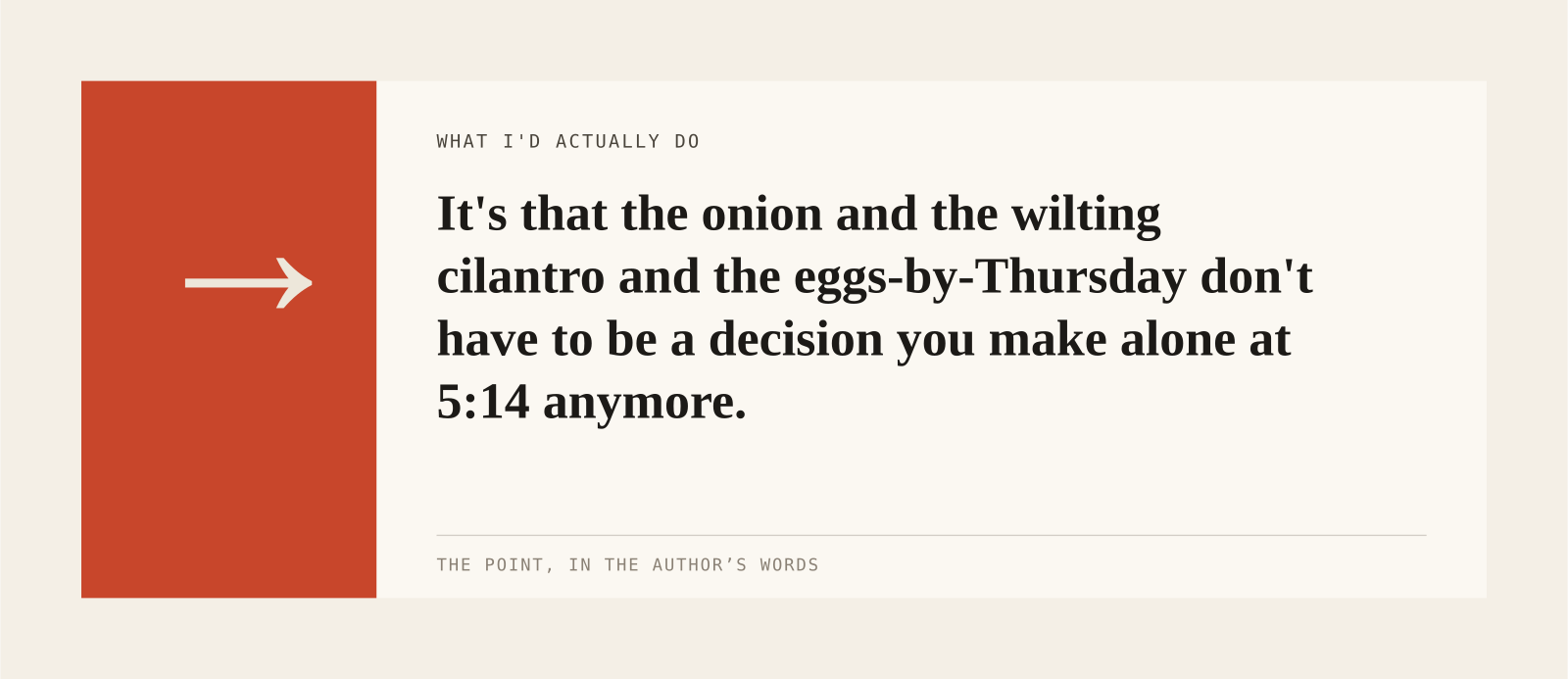
The point isn’t to optimize your nutrition to three decimal places. It’s that the onion and the wilting cilantro and the eggs-by-Thursday don’t have to be a decision you make alone at 5:14 anymore. Something else can hold the boring part. You just have to cook.
Sources: Kroger / Google Cloud announcement, Jan 11 2026; Instacart Q1 2026 earnings call, May 6 2026; JMIR mHealth and uHealth, Aug 14 2025, doi:10.2196/60070.
Produced with AI under BRICK30’s editorial standards and reviewed for accuracy. Informational, not medical advice. If you’re in crisis, call or text 988 (US).